> For the complete documentation index, see [llms.txt](https://sspwallet.gitbook.io/docs/llms.txt). Markdown versions of documentation pages are available by appending `.md` to page URLs; this page is available as [Markdown](https://sspwallet.gitbook.io/docs/getting-started-with-ssp-wallet/custom-tokens/add-custom-token.md).
# Add Custom Token
{% hint style="info" %}
Adding custom token enables you to add your preferred tokens outside from the list provided by SSP Wallet.
{% endhint %}
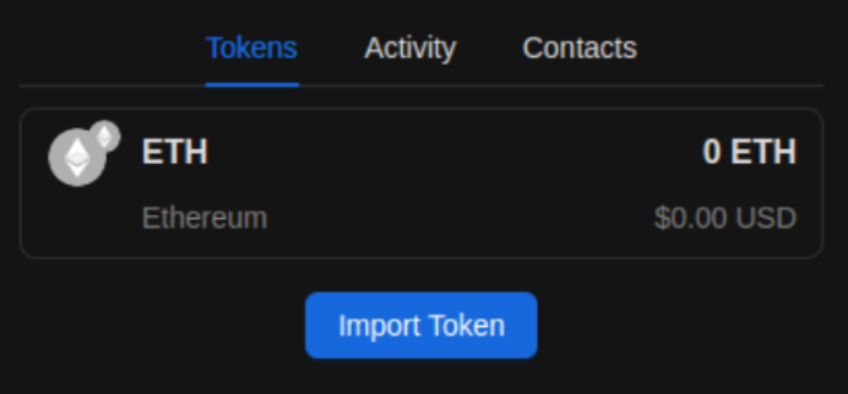
From the **Tokens** section on your Home screen, click "Import Token" button
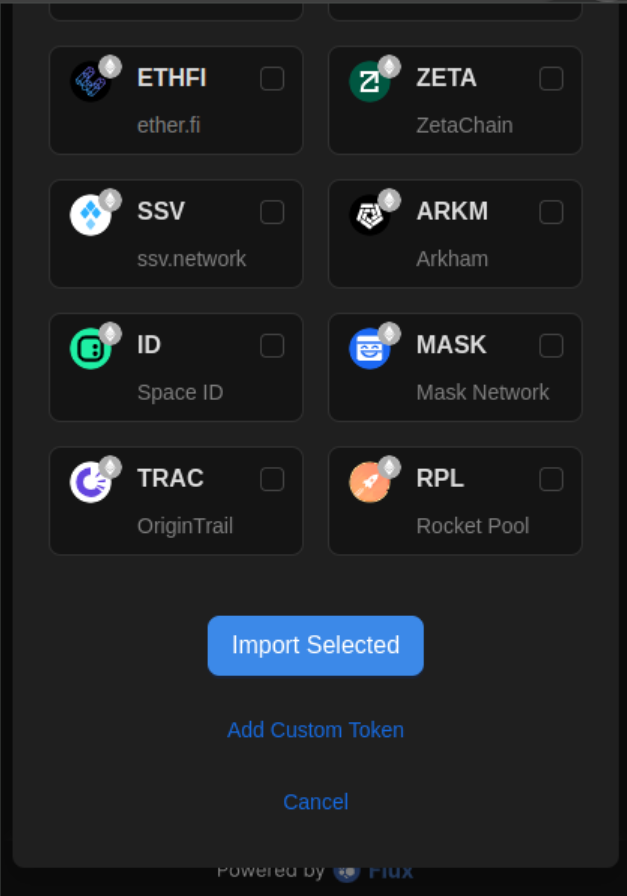
Scroll down until the bottom of the list, click "Add Custom Token" link
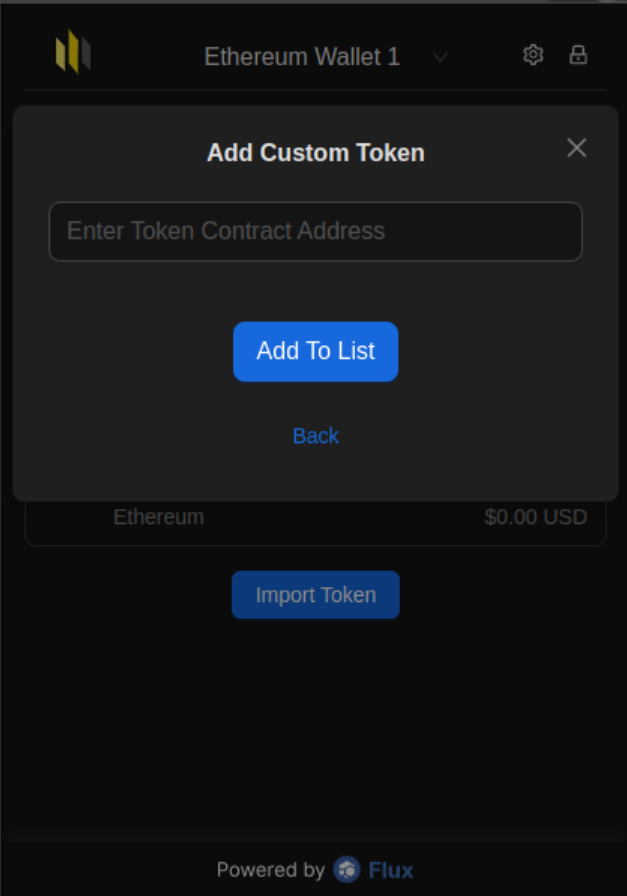
Enter the Token Contract Address of your preferred token
{% hint style="info" %}
You can find the token contract address on popular crypto tracker websites like CoinMarketCap.
{% endhint %}
Click "Add To List" button to continue
{% hint style="info" %}
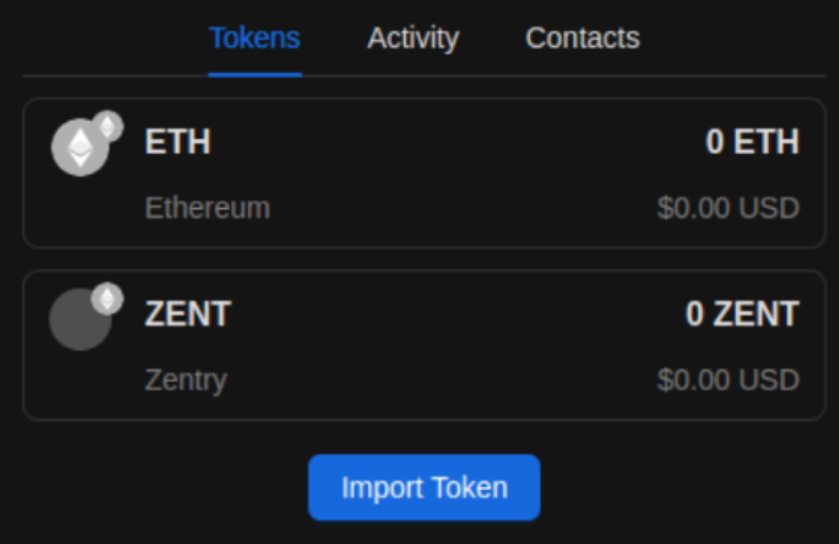
You will be redirected to your Home screen and the token you added will be available in the Tokens section.
{% endhint %}
Congratulations for adding a custom token!