> For the complete documentation index, see [llms.txt](https://sspwallet.gitbook.io/docs/llms.txt). Markdown versions of documentation pages are available by appending `.md` to page URLs; this page is available as [Markdown](https://sspwallet.gitbook.io/docs/ssp-enterprise/enterprise.md).
# SSP Enterprise Overview
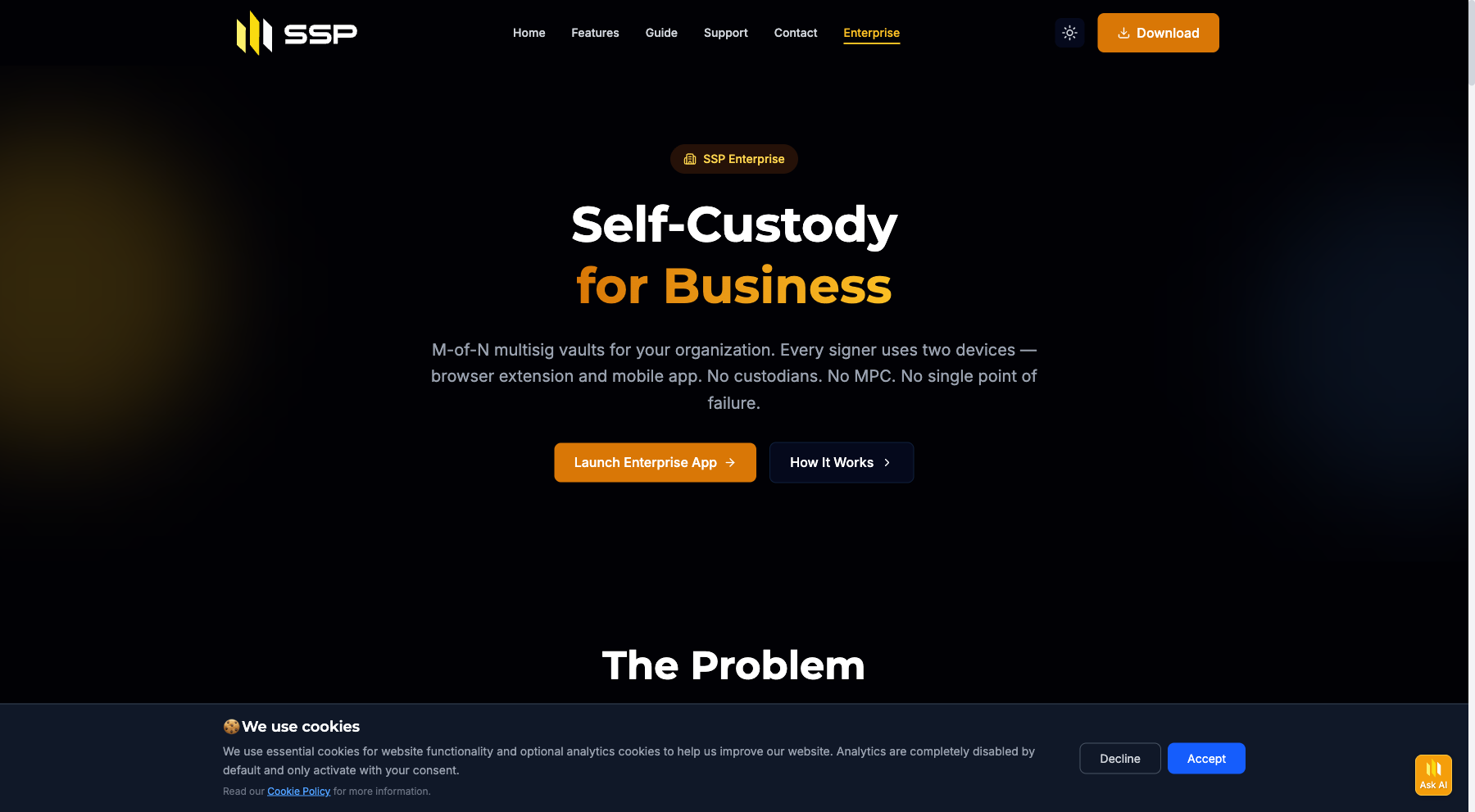
SSP Enterprise is multi-party crypto custody for teams. Your organization holds the keys, your team co-signs transactions, and the platform handles the coordination — proposals, approvals, audit trail, and policy enforcement.
It runs on the same two-device security model as SSP Wallet (browser extension + mobile app), but instead of one person controlling one wallet, your team collectively controls organizational vaults.
🌐 **Live at:** [enterprise.sspwallet.com](https://enterprise.sspwallet.com)
## What you actually get
* **Vaults that are real on-chain multisigs.** Not a custodian. Not MPC with a vendor share. Native Bitcoin multisig and EVM smart contract multisig, derived from your signers' xpubs.
* **Pick your threshold.** 2-of-3 for a small team. 3-of-5 for a treasury council. 5-of-9 for a board. Whatever matches how your team actually makes decisions.
* **Two devices per signer (default).** In the default Dual Signing mode, a compromised laptop alone can't sign and a compromised phone alone can't sign — both are required on every signature, for every signer. Optional Key Only / Wallet Only signing modes trade this two-device protection for more signers per vault (each signer signs with a single device) — see [Creating Multisig Vaults](/docs/ssp-enterprise/creating-vaults.md).
* **One platform, twelve chains.** BTC, ETH, LTC, DOGE, BCH, ZEC, RVN, FLUX, MATIC, BNB, AVAX, BASE — without juggling tools.
* **A policy engine that's actually configurable from the UI.** Spending limits, address whitelists, time-locks, admin approvals, per-signer overrides. No Solidity. No modules to deploy.
* **An audit log you can hand to an auditor.** Every member change, vault op, proposal, and signature, attributed and timestamped.
* **Open source.** SSP Wallet and SSP Key are public. The cryptography is verifiable.
## How the pieces fit
```
SSP Wallet (browser extension) ←→ SSP Enterprise ←→ SSP Key (mobile app)
│ (web app at │
│ enterprise.sspwallet.com) │
└───────────── 2-of-2 WK Identity ────────────────────┘
│
▼
Multi-party multisig vaults
(M-of-N across team)
```
* **WK Identity** is your unique cryptographic identity, derived from a 2-of-2 multisig of your SSP Wallet + SSP Key public keys. No password. No email required for first login. You sign in by signing a challenge with both devices.
* **Organizations** group your team. One owner, several admins, members, viewers.
* **Vaults** are the M-of-N multisig wallets where funds live. One organization can have many vaults across different chains.
* **Proposals** are transactions waiting on signers. Each designated signer approves with their wallet + key. Threshold met → broadcast.
## What you need before signing in
Every team member who'll be on a vault needs to be set up as an SSP Wallet user first:
1. **SSP Wallet** browser extension — [Chrome](https://chromewebstore.google.com/detail/ssp-wallet/mgfbabcnedcejkfibpafadgkhmkifhbd) or [Firefox](https://addons.mozilla.org/firefox/addon/ssp-wallet)
2. **SSP Key** mobile app — [iOS](https://apps.apple.com/app/ssp-key/id6463717332) or [Android](https://play.google.com/store/apps/details?id=io.runonflux.sspkey)
3. **Wallet + Key paired and synced** — see the [SSP Wallet first-time setup](/docs/quick-start-guides/first-time-setup.md)
Once that works as a normal personal wallet, you can sign in to SSP Enterprise.
## Walkthroughs
The product, end to end:
1. [**Getting Started**](/docs/ssp-enterprise/getting-started.md) — sign in for the first time
2. [**Creating Your First Organization**](/docs/ssp-enterprise/creating-organization.md) — set up the workspace
3. [**Inviting Team Members & Roles**](/docs/ssp-enterprise/inviting-members.md) — bring your team in
4. [**Creating Multisig Vaults**](/docs/ssp-enterprise/creating-vaults.md) — set up M-of-N vaults per chain
5. [**Proposing & Signing Transactions**](/docs/ssp-enterprise/transactions.md) — move funds with collective approval
6. [**Configuring Policy Controls**](/docs/ssp-enterprise/policies.md) — spending limits, whitelists, time-locks
## Switching from another platform?
* [Migrating from Fireblocks](/docs/ssp-enterprise/migration/from-fireblocks.md)
* [Migrating from Safe (Gnosis Safe)](/docs/ssp-enterprise/migration/from-safe.md)
* [Migrating from BitGo](/docs/ssp-enterprise/migration/from-bitgo.md)
## Setting up for a specific use case?
* [DAO Treasury Management](/docs/ssp-enterprise/use-cases/dao-treasury.md)
* [Corporate Treasury Workflow](/docs/ssp-enterprise/use-cases/corporate-treasury.md)
## Help
* **Sales / custom plans:** email or [book a 30-min call](https://calendar.app.google/NZd7n1d6Hjmd7XFD6)
* **Technical issues:** [GitHub Issues](https://github.com/RunOnFlux/ssp-wallet/issues)
* **Security:** see the [Security Overview](/docs/security-and-best-practices/security-overview.md)